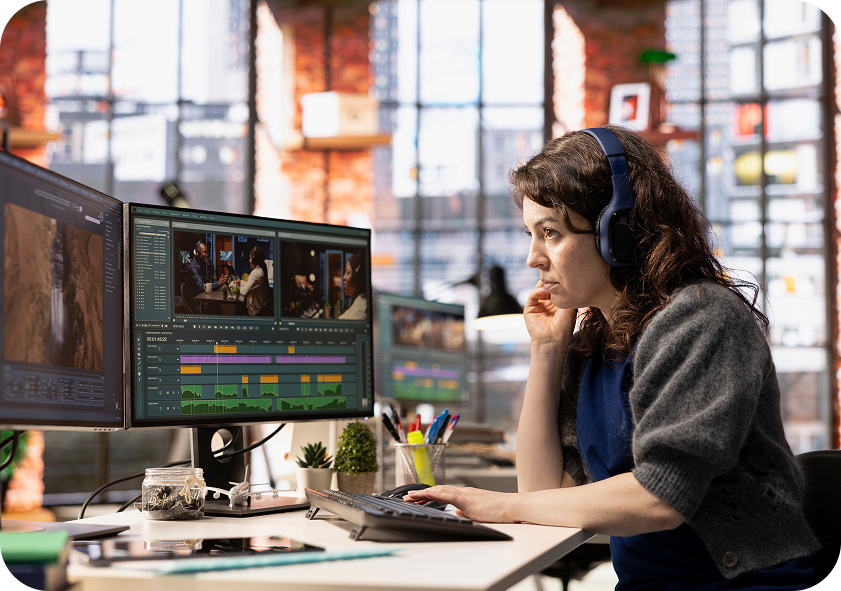
How AI is Changing Motion Design: A New Era of Video Content
Remember when animation meant drawing thousands of identical frames just to get four seconds of footage?
Then digital timelines arrived, and designers spent nights tweaking keyframes, staring at progress bars, and drinking questionable amounts of energy drinks.
For decades, custom motion graphics remained a game of patience. A 30-second brand spot could take three weeks of heavy lifting, frame-by-frame masking, and geometric calculations just to make a logo look natural in a three-dimensional space.
Then generative tools entered the picture.
Suddenly, the conversation shifted from “How do we technically build this frame?” to “What story do we actually want to tell?” and “How AI is changing motion Design?”.
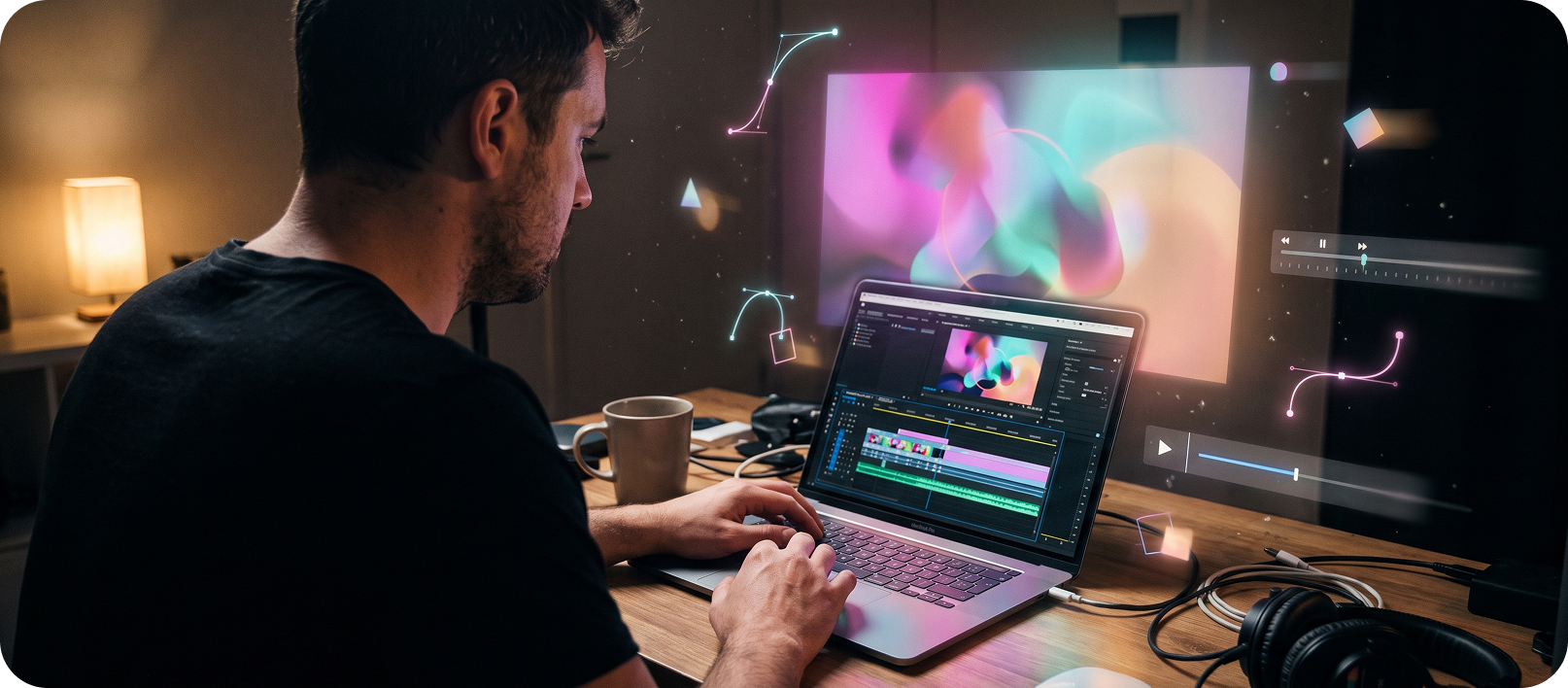
How Is AI Actually Used in Motion Design?
AI is becoming useful across different stages of the motion-design process.
Rather than replacing the entire workflow, it can help designers move through certain stages faster.
-
Concept Development
AI tools can help teams explore visual directions, generate references and test early ideas before committing to a final treatment.
-
Storyboarding
Early visual concepts can be developed faster, giving designers something tangible to review before full production begins.
-
Asset Creation
Generated imagery and video can help fill gaps during concept development or create temporary assets for testing.
-
Repetitive Production
Tasks such as masking, object isolation and other time-heavy production steps can increasingly be assisted by automation.
-
Final Creative Direction
This is where the human designer still matters most. The final work needs to fit the brand, communicate the right message and make sense as part of the wider campaign.
Where AI Fits Into the Motion Design Workflow
The barrier to technical execution has dropped significantly across three main categories:
1. Generative Video Engines
Tools such as Runway, Google Veo and Kling AI are the heavy hitters of the best AI video generator ecosystem. They let you build cinematic camera angles, atmospheric lighting, and unique textures directly from text prompts or base images.
- The Reality: They are brilliant for creating beautiful b-roll, atmospheric backgrounds, and quick visual moodboards. However, they struggle with precise detail. If you ask for an exact corporate logo or realistic finger movements, the software still gets confused. Treat them as raw digital clay that needs human shaping.
2. Kinetic Explainer Systems
If you need to break down complex B2B software or intricate services, using a dedicated ai explainer video maker setup cuts your pre-production time in half. Platforms like HeyGen and Synthesia AI map out structured vector layouts, timing marks, and realistic avatar tracks in minutes.
- The Reality: These tools excel at high-speed informational content, internal training clips, and rapid product storyboarding. They keep corporate messaging clean without the weird melting look of raw generative engines, though you still need a designer’s eye to give them genuine brand personality.
3. Timeline Automation Plugins
The real workhorses are intelligent AI animation software features built directly inside traditional editing timelines like Adobe After Effects, Premiere Pro, or tools that integrate through chat prompts. They eliminate the most tedious parts of manual editing.
- The Reality: This is where you save hours of studio time. Features like automated rotoscoping (cutting out subjects in three clicks instead of three hours), predictive frame blending, and smart audio cleanup handle the mind-numbing labor so designers can focus on storytelling and timing.
Take a Look at This Real Industry Case Study
Kurka Naturka: Turning Nutrition Into Animation
When you’re explaining nutritional information, a wall of facts can quickly lose an audience. Kurka Naturka needed a more engaging way to communicate the nutritional qualities of eggs through animated content.
The Challenge
The challenge was visual: How do you turn nutritional information into something people actually want to watch?
The creative team looked for a way to present the product’s nutritional properties through a more modern and imaginative visual language, rather than relying on conventional information-led graphics.
The AI Workflow
AI became the production engine behind the animation.
The team used AI to create the film’s visual world, including 3D scenes, character animation, voiceover and music. The finished work was created digitally, avoiding the need for traditional physical sets.
The creative direction still mattered just as much. The visual concept drew inspiration from Coca-Cola’s iconic Happiness Factory, combining a surreal technological world with the natural qualities of the product.
The Result
Instead of presenting nutritional information as static facts, Kurka Naturka turned the subject into an animated visual experience.
It is a useful example of where AI can push motion design beyond simply making production faster. It can also open up visual worlds that would be difficult, expensive or impractical to produce through traditional methods alone.
What Actual Agency CEOs Are Saying
To understand where the industry is heading, look at how active studio leaders view this technological shift.
1. Mat Hunter, CEO of the Design Council
Mat Hunter, the chief executive of Design Council, urged creative professionals to view generative tools as supportive assets rather than threats in one of his industry speeches:
“We are aware that technology always displaces people with new ways of working. However, we believe in the imagination and inventiveness of designers to find opportunities. We believe the UK needs more professional designers, so overall employment should continue to grow.”
Read more at: Designers should not fear being replaced by AI, industry leaders say
2. Naim Talikar, CEO of MoonValley
During a broadcast interview discussing video models, Naim Talikar framed generative development around creative accessibility:
“The mission is giving creators tools to create the work that’s in their mind when they don’t have the budget or resources to actually create it for real. If there are tools that let one person make something that looks like Avatar, that’s democratizing visual creation.”
Busting the Big Myths Around AI Motion Design
Here are some of the pressing questions that need to be addressed:
Myth 1: Press a button and get a finished ad
The Reality: Try telling the best ai video generator to stick to your exact brand hex codes and sharp vector logo. You will usually end up with melting typography, floating limbs, and distorted brand assets. The machine works brilliantly for rapid brainstorming, but a human still needs to steer the wheel if you want brand consistency.
Myth 2: Motion designers are going extinct
The Reality: AI is automating parts of production, not replacing creative judgement. Experienced creators who understand human emotion and audience psychology are in higher demand now than ever before.
Myth 3: AI video always looks cheap and robotic
The Reality: It only looks cheap when people rely on default prompts without any post-production polish. When you pair intelligent ai animation software with sharp typography, clean color grading, and precise editing, you avoid generic visual clutter completely.
Interactive Checkup: Is Your Video Pipeline Outdated?
Answer these three simple questions to assess your current video production:
- Are your teams spending more time on manual masking and rendering than on campaign strategy?
Your workflow is losing time to tasks that can be automated. - Does it take weeks to view a single animated concept draft?
You could benefit from rapid storyboard prototyping setups.
- Are your published videos lacking brand consistency across different channels?
You need stronger art direction to lock your visual elements together.
What Brands Actually Need From Motion Designers in 2026
Here is where motion designers actually shine:
- Cinematic Directing: Knowing how to talk to AI like a film director: asking for exact camera angles, focal lengths, and lighting instead of typing vague prompts.
- Hybrid Polish: Taking raw AI video clips into After Effects and combining them with sharp typography, exact brand colours, and crisp sound design.
- Story & Pacing: Knowing when to hold a frame for half a second longer to build tension, create humor, or make a viewer actually care before they swipe away.
How We Handle This at Ryetec
Testing new tools while keeping your brand from looking generic is a headache. We get it.
That is why we use the best ai video generators to test ideas in hours instead of weeks, and our highly skilled creative studio handles the rest so that final piece actually makes your brand stand out in today’s saturated market.
If you want punchy campaign visuals or product videos without waiting months for a draft, check out our motion design services.